Oak · Holzwerk
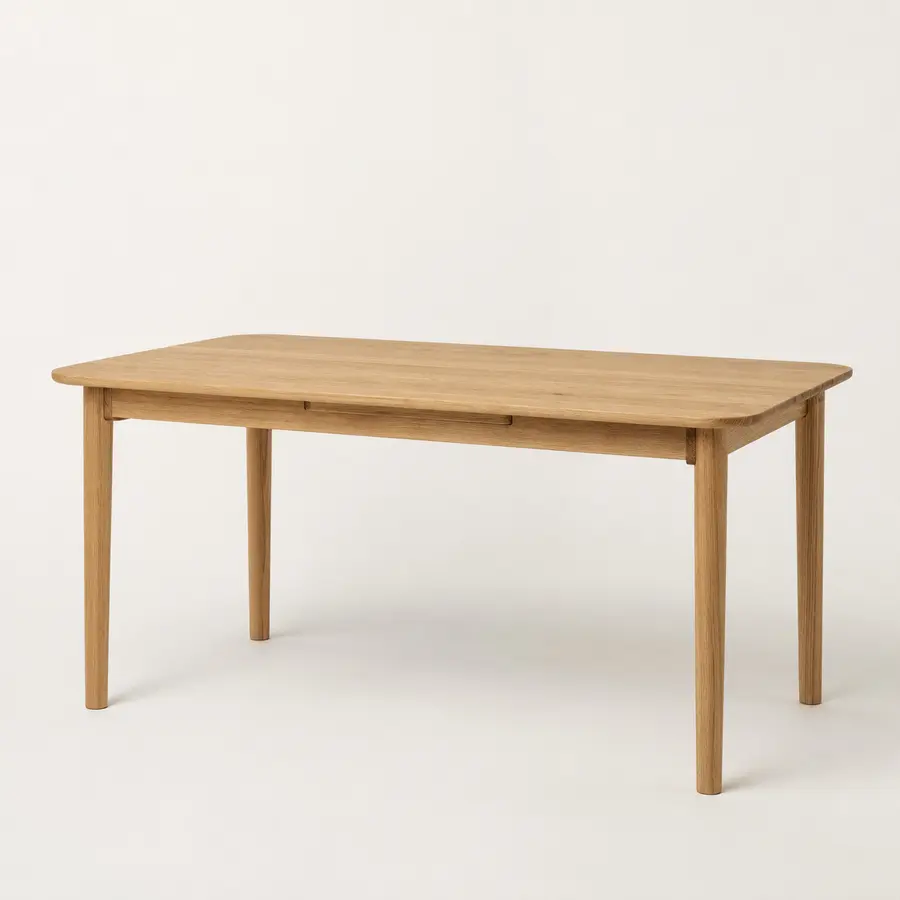
Dining table "Alva" solid oak 180 cm
€1,099
Grumeria for WooCommerce
Typo-tolerant product search with synonyms, filters and merchandising, connected through your product feed and the Grumeria widget in your theme.
Integration: product feed and widget. Our free WordPress plugin “Grumeria Search” adds the widget, and Grumeria usually builds the feed straight from your store address.
14 days without a payment method · then from €29 per month excl. VAT
“dinig table” finds dining tables. Try “couch” too.
24 English sample products. The live demo uses the actual search service.
From feed to search
Use https://grumeria.com/api/woocommerce-feed?shop=your-shop.com as your product feed, no feed plugin needed: Grumeria builds it from your store's public product data (WooCommerce Store API). A Google Shopping feed from a plugin such as “Product Feed PRO” works too.
Paste the widget script before the closing body tag, most easily with our free WordPress plugin “Grumeria Search” (grumeria.com/downloads/grumeria-search-1.0.1.zip; enter your engine ID, done), or in your child theme’s footer.
Check prices, stock status and your most important search terms in the preview. Feed attributes can be used as filters.
Set-up step by stepCheck your WooCommerce store for free (your store address is enough)Guide: what the default WooCommerce search coversAdd the product feed URL and map the fields.
Compare filters, offers and product cards with real items from your store.
Embed the widget in your theme and connect it to the search box. Your existing store search can remain as a fallback.
Do you build WooCommerce stores for clients? Our partner programme pays 50% of the net revenue of every referred customer for 12 months.